




"I appreciate how easy it is to set up a new meeting and have people participate, no sign-in, no verification or validation needed."
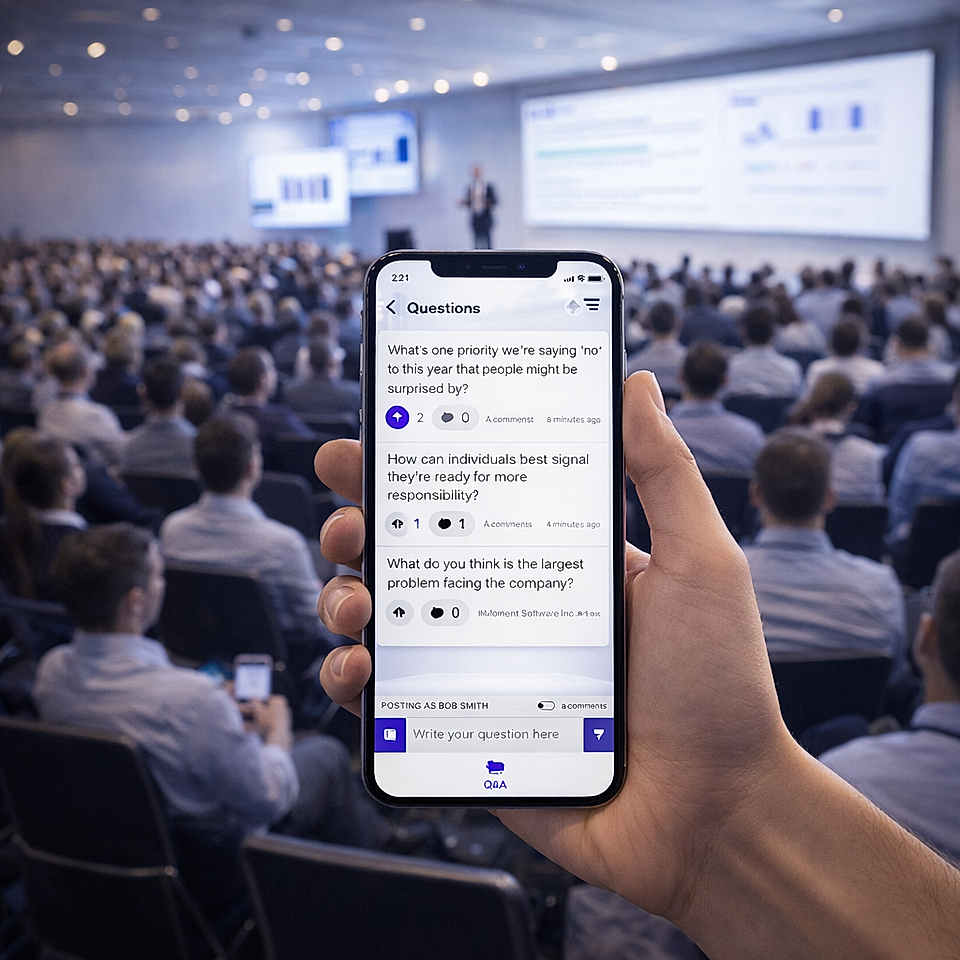
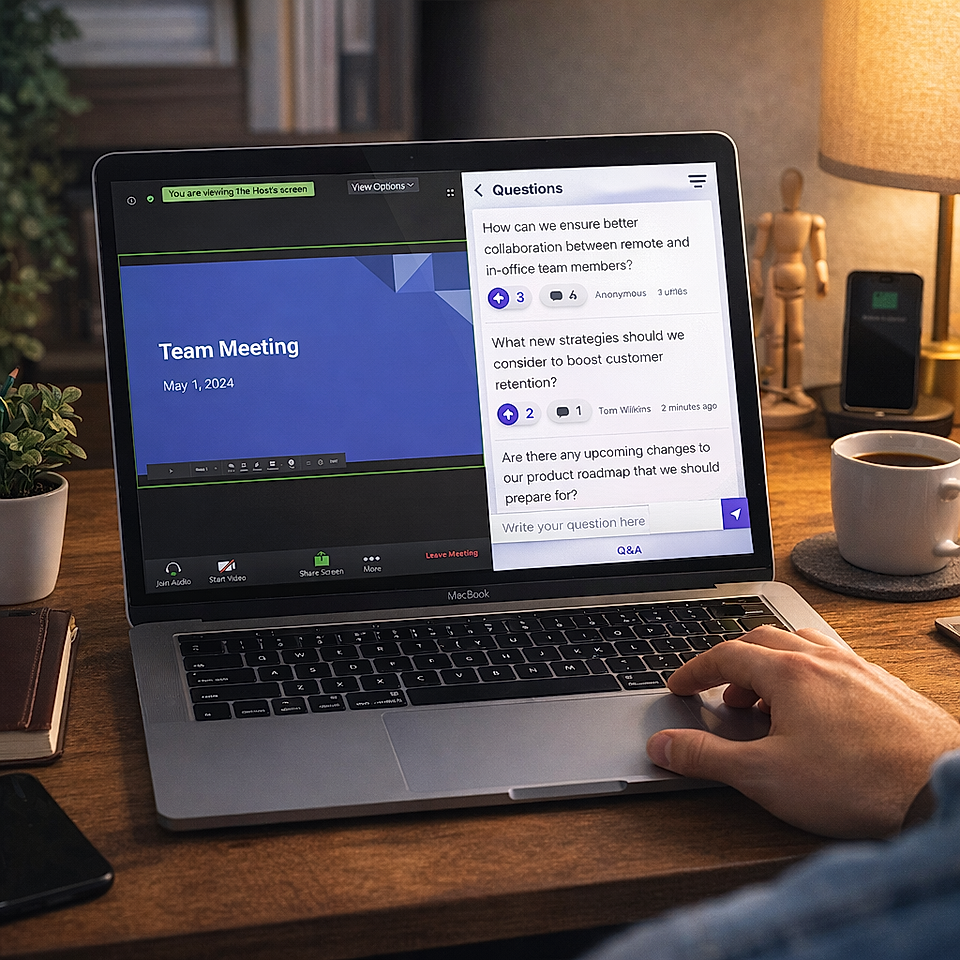
"I've used Meeting Pulse for colleagues to contribute anonymous employee questions during team meetings, like Town Halls or Lunch & Learns. It makes it easy for leaders to see questions during the meeting, and the intuitive interface makes it easy to share with new team members and get everyone up to speed quickly."
"Interactive tools like polling, Q&A, quizzing, and raffles are essential to creating engagement with our audiences during Live streaming events. MeetingPulse implements all those features in a simple interface that is easy for us to manage and our audience to use."
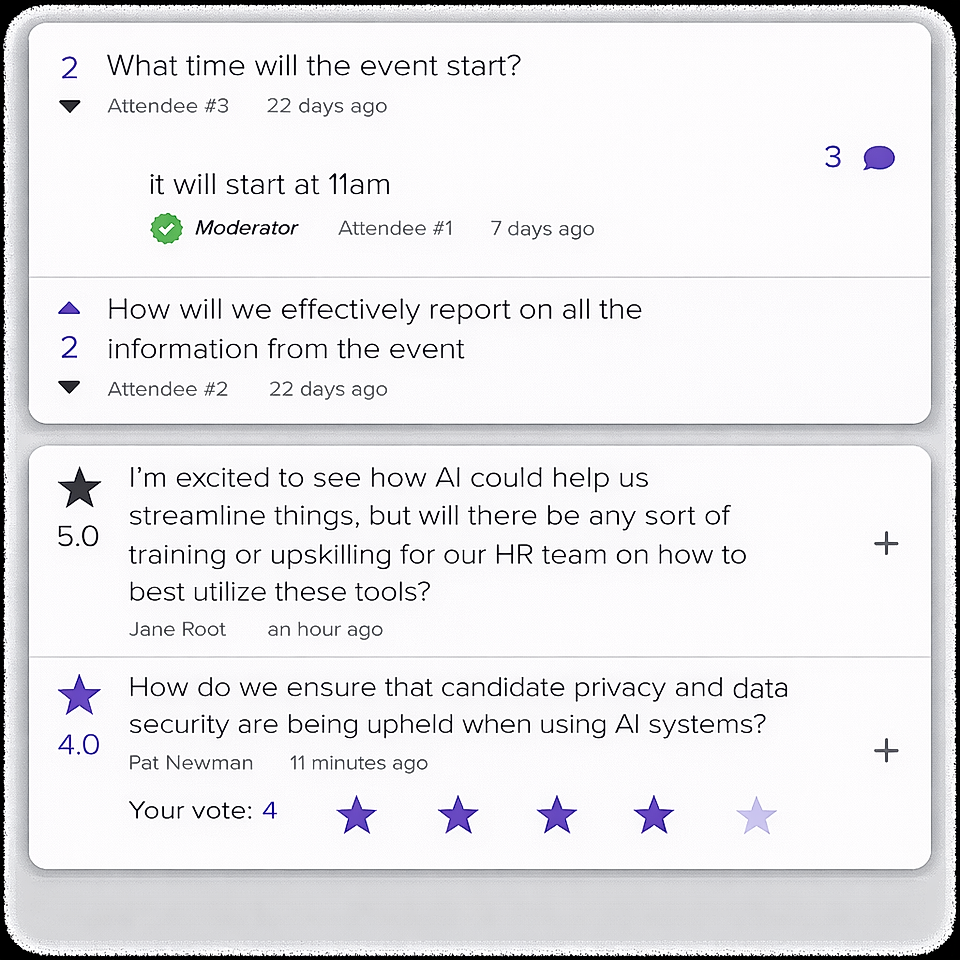
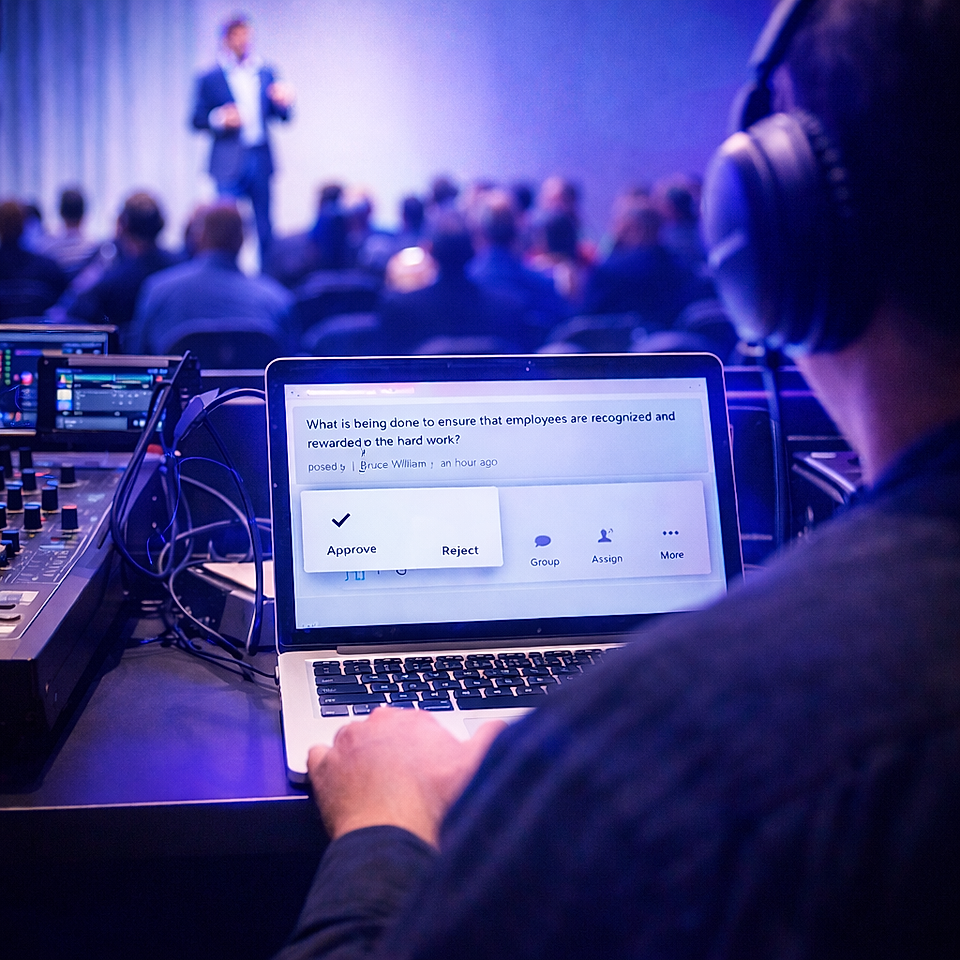
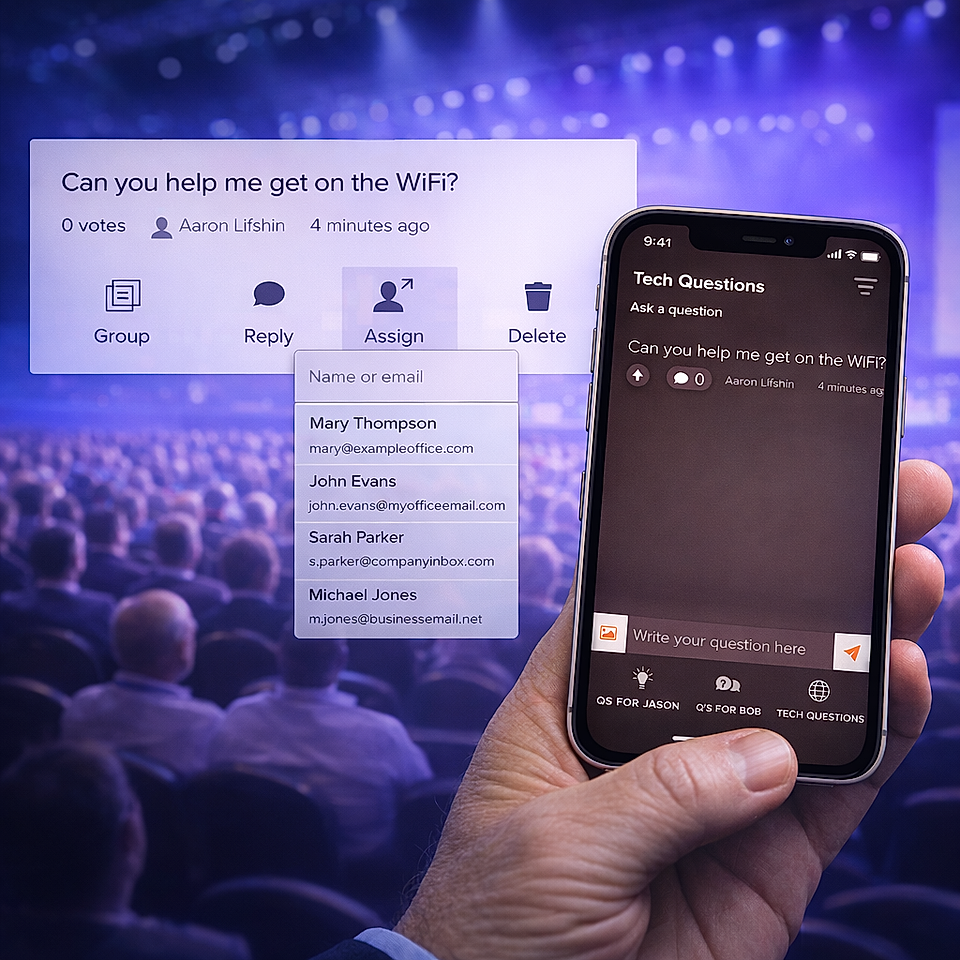
"We use MP most for running live Q&A sessions during live-streamed events & panels. It's worked really well for our needs so far, just enough settings (aka hide questions, or allow upvoting) and the back end has been straightforward enough for us to give the keys to our clients and let them moderate without handholding. We've also used it for Polls, which have been easy enough to setup, install and operate as well."
"The platform is easy to use and intuitive. The customer success employees are friendly and quick to respond. The surveys can be customized to fit company brand standards."
"Really easy to get up and running by simply creating a meeting and embedding the code into an existing site. There is a custom module for every need from Polls to Q&A to sharing of meeting files. The pulse feature is one that gets a lot of use and lets gives the presenting team live feedback throughout the session and required minimal effort from the attendees."
"MeetingPulse is one of a small number of tools we use that has a direct and positive impact on maintaining a culture of transparency, open dialogue, and feedback flowing within the organization. We use it for all-hands meetings and for team meetings, we use it during good times and bad. MeetingPulse helps us ensure that there are no elephants in the room and that all members of the team feel heard, respected, and a part of something larger than ourselves. Thank you team MeetingPulse!"
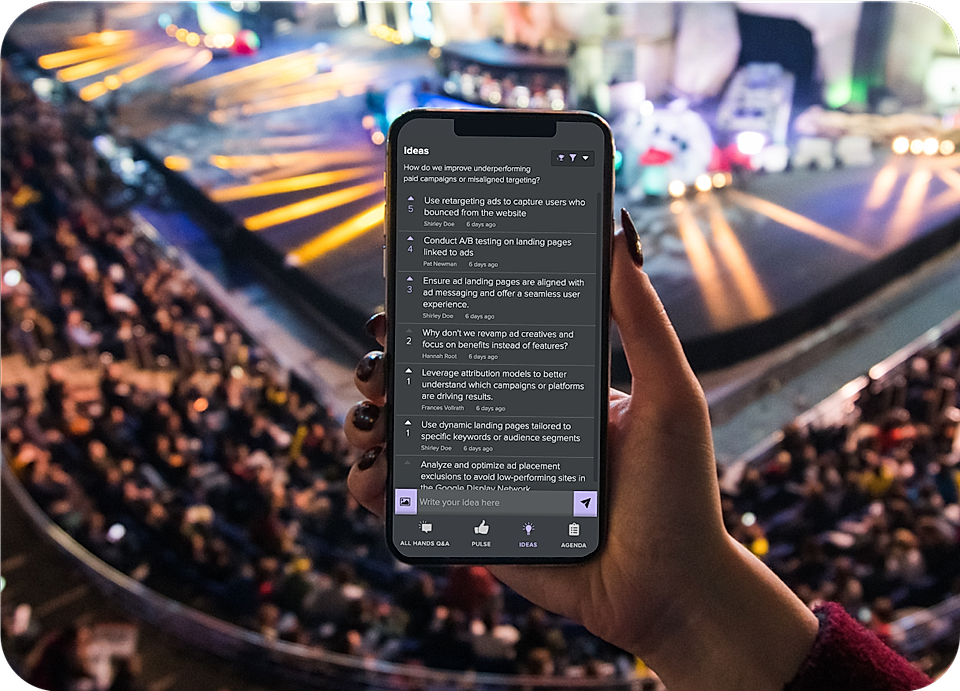
"MeetingPulse allows me to compose participatory research and training experiences in the blink of an eye. It's a transformational tool because the respondents are empowered to become analysts and even codesigners through such features as upvoting and comments. The back-end design options are also super powerful; I feel like a ton of thought went into the features, and upgrades continue to show a high level of user insight."